

The open source AI code editor
Redmond, WA, USA
Based in United States
- Tweets 8,797
- Following 152
- Followers 817,554
- Likes 3,572










Pinned Tweet

🚀 The latest @code release makes it easier to work across repositories and worktrees and delegate tasks to remote agent hosts.
🧵 Here’s what’s new:
code.visualstudio.com/update…
18
31
366
31,944
🐾 Meet Blobby, the VS Code Pet!
Thank you to everyone who submitted a name and helped us choose our new coding companion. 💙
Want to code with Blobby by your side? Open GitHub Copilot Chat in VS Code and enter: /vscode-pet
🏆 We’ll be reaching out to the contest winners directly with the next steps.
Welcome to VS Code, Blobby! 🐾✨

55
37
259
26,121
🚀 September’s @code releases brought new ways to build, automate, and ship!
Here are some highlights:
🧠 HydraFusion orchestrates multiple models for your coding tasks.
🔀 Agent Merge handles review feedback, failed checks, and merge conflicts until your pull request is ready to merge.
⏰ Automations in the Agents window run repeatable tasks on demand or on a schedule.
✨ Plus, explore new ways to work across repositories and manage agent sessions.
🔗 Explore the latest updates: aka.ms/VSCode/changelog
Happy coding! 💙
20
13
184
26,934
Visual Studio Code retweeted

VS @code is bringing Copilot Canvases into the Agent experience.
The concept is similar to Canvases in the GitHub Copilot app: a shared interactive surface where both the human and the agent can work on the same artifact. Think dashboards, Kanban boards, plans, triage boards, etc.
But there is an interesting difference under the hood.
VS Code isn't waiting for Canvases to become part of the canonical Agent Host Protocol. It is shipping a VS Code-specific transport first, which lets them experiment with the primitive without committing the whole AHP ecosystem to the API yet.
And you can actually create one yourself.
Start an agent session and run:
/create-canvas
Then describe what you want, for example:
`Create an agentic Kanban canvas where I can create, assign and move cards, and where you can also update the board.`
The agent builds the canvas and opens it in the Sessions UI. You can then keep iterating on the UI, state and capabilities from the agent.
For a team canvas, it can live under .github/extensions. Personal canvases can live under ~/.copilot/extensions.

5
9
58
9,114
👀

Seems like @code is starting to tell you: your agent primitives need to move.
There is now a new migration banner in the Chat panel, and it is part of a much bigger change happening under the hood: the move from the old Local harness to the new Agent Host architecture built around AHP.
This is not just about moving where an agent runs.
The old model was very VS Code-centric: prompts, custom agents, instructions and skills could live in VS Code-specific locations and the agent runtime lived inside the extension host.
The new Agent Host separates the agent runtime from the editor. Sessions can keep running when the window closes, be shared across VS Code windows, run remotely, and support different harnesses such as Copilot, CLI and Copilot Desktop App through a common session layer.
And that means some of our primitives need to move too.
Prompt files are being deprecated for Agent Host and migrated to Skills. User-level agents and instructions that lived in VS Code profile storage need to move to harness-supported locations. Even the old location settings are being deprecated.
The new migration experience can detect these things and guide you through moving or converting them, while keeping the originals unless you explicitly remove them.
The new banner is basically the first visible sign that this migration is becoming a real product workflow. Basically telling us - it's time to move on!!!!
If you have accumulated a lot of prompts, custom agents, instructions and skills over the last year, now is probably a good time to understand where they actually live and which harness owns them.
To summarize the shift - it isn't just:
VS Code Chat → Agent Host
It is:
VS Code-specific primitives → harness-native primitives.
And I think this is going to become increasingly important as agents stop being features inside an IDE and become runtimes that multiple clients can connect to.
Go run your migrations now 🏃♀️

5
6
143
32,224
🚀 The latest @code release makes it easier to work across repositories and worktrees and delegate tasks to remote agent hosts.
🧵 Here’s what’s new:
code.visualstudio.com/update…
18
31
366
31,944
Join our VS Code Live on October 8! 🚀
We’ll share the latest updates, features, and demos from VS Code.
🔔 Set your reminder: piped.video/watch?v=Fx05xzrj…
1
1
4
7,230
🔎 Explore everything that's new in the full release notes:
aka.ms/VSCode/140
Happy coding! 💙
5
4,632
🧠 HydraFusion is now available in @code as a Research Preview.
Instead of relying on a single model, HydraFusion orchestrates multiple models and workflows to tackle coding tasks.
Give it a try today! 🚀
aka.ms/VSCode/Hydrafusion

24
84
670
51,407
📣 GPT-6.1 Sol is now generally available in @code with GitHub Copilot.
Give it a try today! 🚀
github.blog/changelog/2026-0…


📣 @OpenAIDevs GPT-6.1 Sol is now generally available in GitHub Copilot.
You can use it for agentic coding and terminal workflows with strong multistep coding performance. In early testing, it reliably completed tasks while using noticeably fewer tokens and steps than earlier models in the GPT-6 and GPT-5.6 families.
Try it out in the GitHub Copilot app, CLI, and @code.
github.blog/changelog/2026-0…

22
60
600
64,452
Why did VS Code choose Electron? 🤔
The team wanted a lightweight editor with the rich language support and debugging tools developers need, while keeping the same web technologies across platforms.
🍿 Watch The Story of VS Code: piped.video/watch?v=kHL3Xzjp…
#vscode #storyofvscode #electron

27
15
210
29,774
🆕 Claude Sonnet 5.5 is now generally available in @code with GitHub Copilot!
Built for everyday coding tasks, it matched Sonnet 5 in early testing while using fewer steps, tokens, and tool calls. ⚡️
Give it a try today! 🚀
🆕 @AnthropicAI's Claude Sonnet 5.5 is now generally available in GitHub Copilot.
Designed for well-scoped everyday work like building features and fixing bugs, Claude Sonnet 5.5 stood out for its efficiency in our early testing: It matched Sonnet 5 on coding tasks while using significantly fewer steps, tokens, and tool calls. Plus, it finished tasks noticeably faster. ⚡️
Try it out in the GitHub Copilot app, CLI, and @code.
github.blog/changelog/2026-0…
15
18
284
32,146
🎬 How did VS Code make language support easier to build across editors?
Explore the story behind language servers and the common protocol that helped shape the VS Code experience.
🍿 Watch The Story of VS Code: piped.video/watch?v=kHL3Xzjp…

2
27
244
26,891
5 Shortcuts You Need in VS Code ⚡
Want to select text faster in VS Code?
Try these 5 shortcuts for selecting lines, words, matches, and columns.
#vscode #coding #programming #developertips #shortcuts

8
35
261
29,378
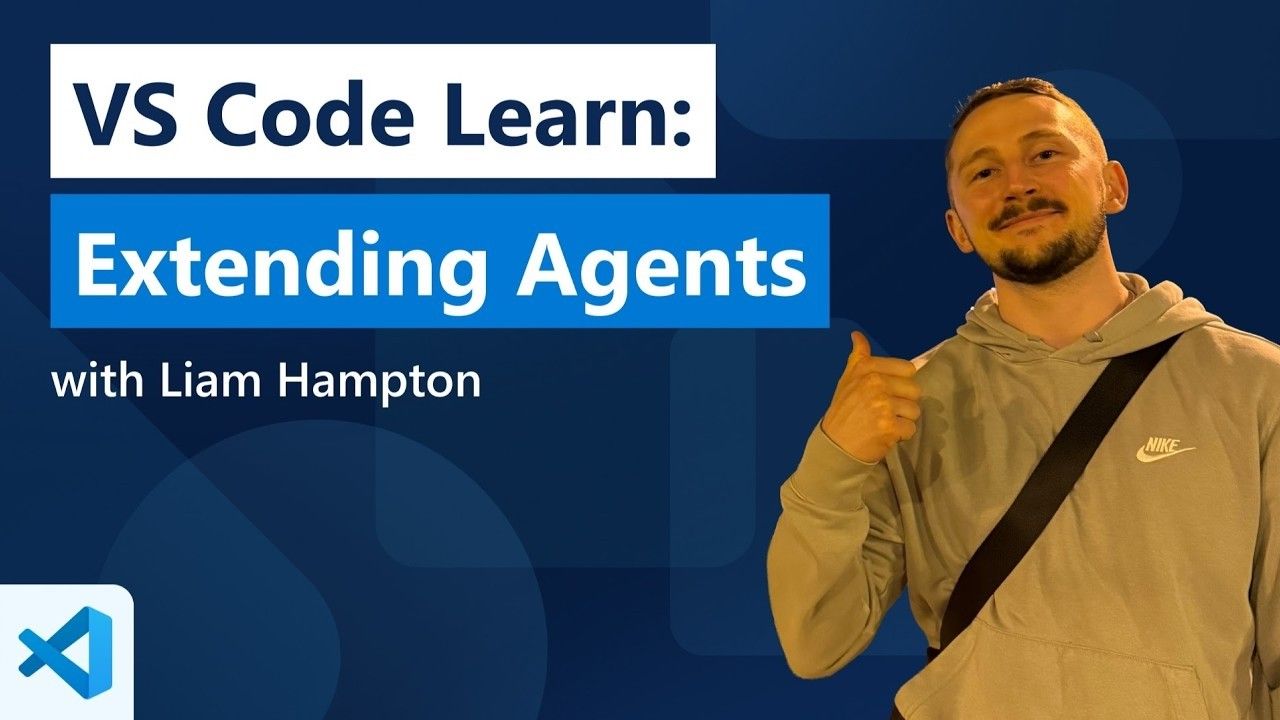
🚀 From our VS Code Learn library: Extending Agents! In this E2E tutorial, we'll explore key aspects of AI Agents with Tools, Tool sets, Permissions and Sandboxing. We'll also look at MCP (Model Context Protocol) and how to use it to connect your agents to external data sources. Check it out ▶️ piped.video/SN3JTq3Q9-M
14
16
151
26,841
Accessibility is more than making a product usable.
It’s about helping every developer thrive.
🎬 The Story of VS Code: piped.video/watch?v=kHL3Xzjp…
#vscode #storyofvscode

2
3
72
22,753